Strumming in Time
Why Timing Matters
Once you can press a chord, the next step is playing it in steady time. Even if your chord shapes are perfect, uneven rhythm will keep it from sounding like music.
Start with a slow tempo and speed up gradually as you get comfortable.
Use the B.Click Click Feature
B.Click has a built-in click function that works like a metronome. Strumming along with the click helps you develop a consistent sense of tempo.
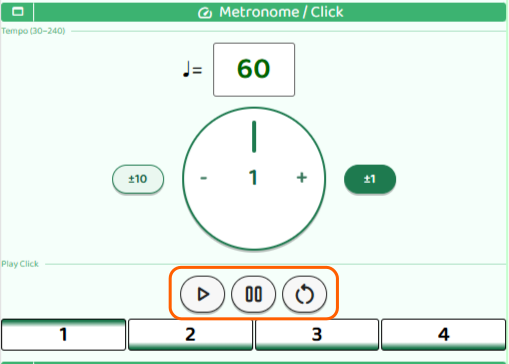
- Start: Begin the click
- Pause: Pause the click
- Reset: Reset the tempo
When you press Start, a count-in plays first before the click begins.
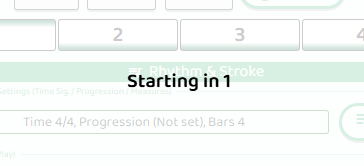
Once the count-in finishes, start strumming along with the click.
Try Downstrokes in Time
When the click sounds, the beat number advances — 1, 2, 3, 4. Strum a downstroke each time the number changes.
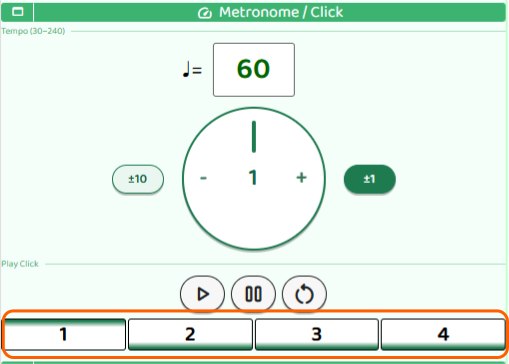
Match your strum to both the sound and the changing number on screen. Watching the display can make it easier to lock in your timing.
Add Upstrokes
Once your downstrokes feel steady, try adding an upstroke right after each downstroke — sweeping the pick back upward across the strings. You’ll now be playing two strums per click: down then up.
Start slowly so that the down and up strokes stay evenly spaced.